Home Assistant Integration Capabilities
Our network video recording (NVR) solutions are built on the powerful Home Assistant platform, transforming your security camera system into an intelligent, integrated component of your entire smart home ecosystem. Unlike traditional standalone NVR systems that operate in isolation, Home Assistant provides a unified interface where your video surveillance, home automation, security systems, and environmental controls all work together seamlessly.
Home Assistant serves as the central nervous system of your smart home, and when combined with video surveillance, it enables sophisticated automation and response capabilities that far exceed traditional security systems. Your cameras don't just record—they become active participants in your home's intelligence. When a person is detected at your front door, lights can automatically illuminate, your smart lock can send an alert, and you receive a notification with a snapshot image. If motion is detected in your backyard at night, outdoor lighting activates automatically and recording switches to high-priority mode.
Unified Control Interface
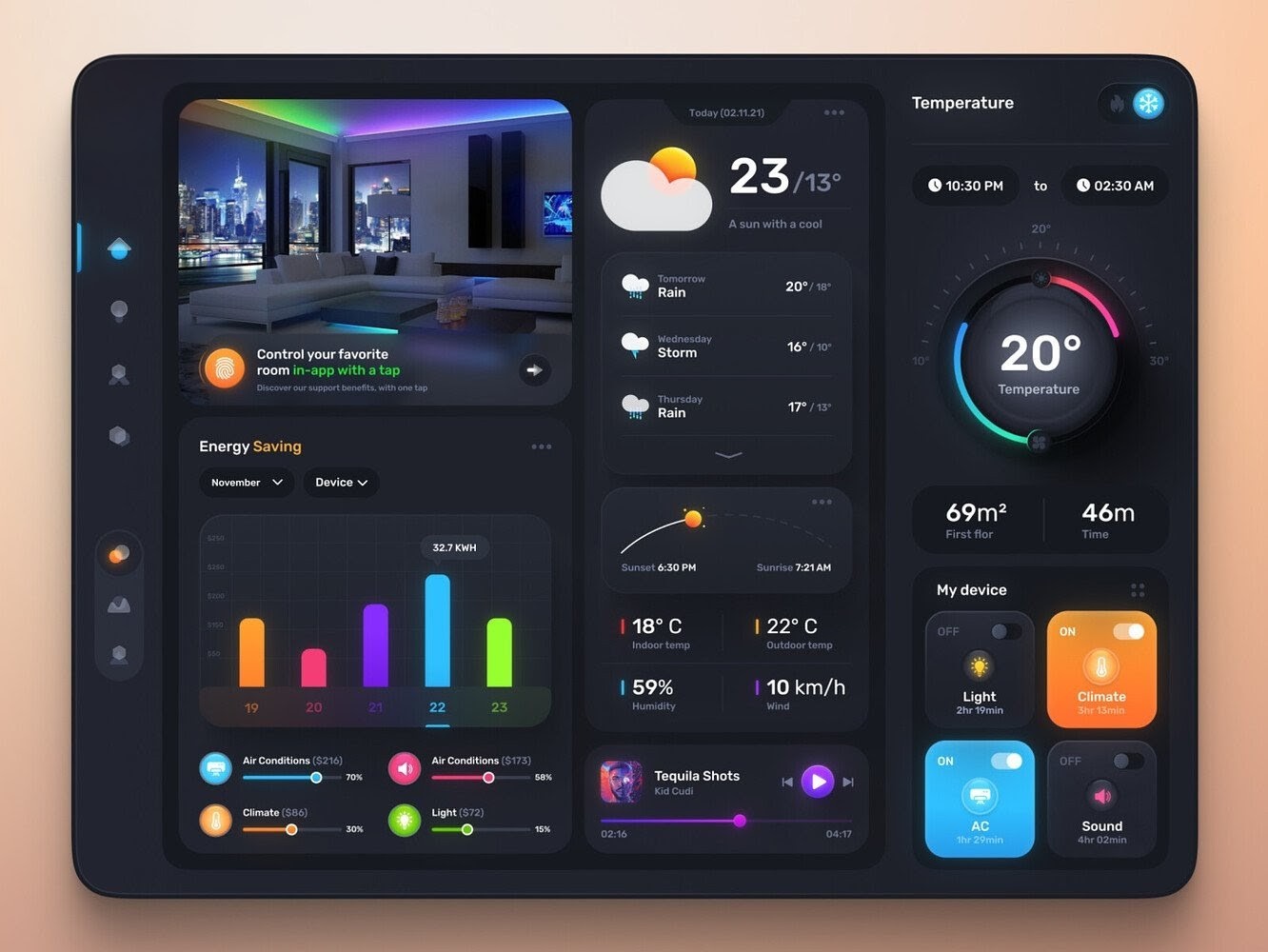
The Home Assistant dashboard provides a single, intuitive interface for monitoring all aspects of your home. View live camera feeds alongside security system status, climate controls, lighting states, and door lock positions. This comprehensive view means you always understand your home's complete status at a glance, and you can respond to situations with full awareness of all relevant factors.
Cross-System Automation
Create powerful automation rules that coordinate your video surveillance with other smart home systems. For example, when your security system arms for the night, cameras can automatically switch to motion detection mode with increased sensitivity. When you unlock your front door, the entryway camera can temporarily pause motion alerts to prevent notification spam as you enter. If your smoke detector activates, cameras can automatically begin recording at maximum quality to document the event. These intelligent integrations transform your NVR from a passive recording device into an active, context-aware component of your home's security and automation infrastructure.
Frigate Add-on for Advanced Video Management
The Frigate add-on for Home Assistant represents the cutting edge of residential NVR technology, providing enterprise-grade video management capabilities specifically optimized for home use. Frigate transforms your Home Assistant installation into a sophisticated video surveillance system with intelligent storage management, powerful search capabilities, and real-time AI-powered analysis.
Intelligent Storage Management
Frigate implements smart storage strategies that maximize the useful retention period of your video footage while efficiently managing storage space. The system distinguishes between different types of recordings: continuous baseline recording for maintaining a complete timeline, event-triggered recording at higher quality when motion or objects are detected, and snapshot images for quick event review. This tiered approach means you maintain weeks or months of footage in accessible form without requiring massive storage arrays.
Storage retention policies are customizable based on your needs and available storage capacity. Configure longer retention for event recordings than for continuous footage, automatically delete recordings after a specified period, and prioritize storage allocation based on camera importance or location. The system monitors storage usage and provides alerts before capacity issues arise, ensuring your NVR never stops recording due to full storage.
AI-Powered Object Detection and Search
Frigate's most powerful feature is its real-time artificial intelligence object detection, which analyzes video feeds to identify and classify people, vehicles, pets, and other objects as they appear. This goes far beyond simple motion detection—the system understands what is moving, enabling intelligent alerts that distinguish between relevant events (a person approaching your door) and irrelevant motion (tree branches swaying in the wind).
The AI detection capabilities enable incredibly powerful search functionality. Instead of manually scrubbing through hours of footage, you can search for specific object types: "Show me all times a vehicle was detected in the driveway last week" or "Find when a person was detected in the backyard yesterday evening." Results appear instantly, complete with thumbnail images and timestamps, allowing you to jump directly to relevant events. This search capability transforms video review from a tedious, time-consuming task into a quick, efficient process.
Real-Time Alerts and Notifications
Frigate's object detection enables smart notifications that go far beyond traditional motion alerts. Configure alerts based on specific detected objects—receive notifications only when a person is detected, or when vehicles enter certain zones. Set up zone-based detection where specific object types in certain areas trigger alerts while the same objects elsewhere are ignored. For example, people detected in your driveway might trigger an alert, while people in the public sidewalk area are simply recorded without notification.
Notifications can include snapshot images or short video clips showing what was detected, giving you instant visual confirmation of events without needing to open the full NVR interface. Integration with Home Assistant's notification system means alerts reach you through your preferred channels—push notifications to your phone, email alerts, or even voice announcements through smart speakers.
Intuitive Timeline and Playback
Frigate provides an elegant timeline interface that makes reviewing footage intuitive and efficient. The timeline displays detected events as markers, allowing you to quickly scan through a day or week and identify periods of interest. Color coding indicates different object types, so you can visually distinguish between person detection events, vehicle detection, and general motion. Click any event marker to instantly jump to that moment in the recording, with the option to view the full continuous recording or just the event clip.
Multi-camera playback is supported, allowing you to view synchronized footage from multiple cameras simultaneously. This is particularly useful when reviewing events that span multiple camera views—track a person's movement from your driveway camera to your front door camera in a single timeline view, maintaining temporal synchronization across all cameras.
Performance and Reliability
Frigate is optimized for efficiency and reliability, performing AI detection locally on your Home Assistant hardware without requiring cloud services or subscription fees. Hardware acceleration support ensures smooth performance even with multiple high-resolution cameras, and the system automatically adapts to available processing resources. Local processing also means your video footage never leaves your network unless you explicitly choose to enable remote access, ensuring maximum privacy and security for your surveillance data.